
Best Mikrotik Routerboard In Malaysia
MikroTik is a Latvian company which was founded in 1996 to develop routers and wireless ISP systems. MikroTik now provides wireless ISP systems for Internet connectivity in most of the countries around the world.
Our experience in using industry standard PC hardware and complete routing systems allowed us in 1997 to create the RouterOS software system that provides extensive stability, controls, and flexibility for all kinds of data interfaces and routing.
In 2002 we decided to make our own hardware, and the RouterBOARD brand was born. We have resellers in most parts of the world, and customers in probably every country on the planet.
Our company is located in Riga, the capital city of Latvia and has 90 employees.
Product Category
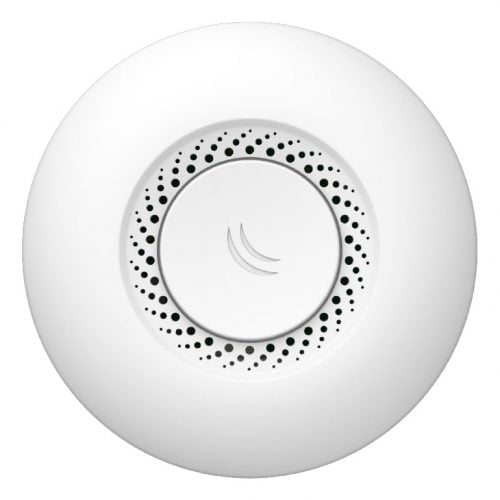
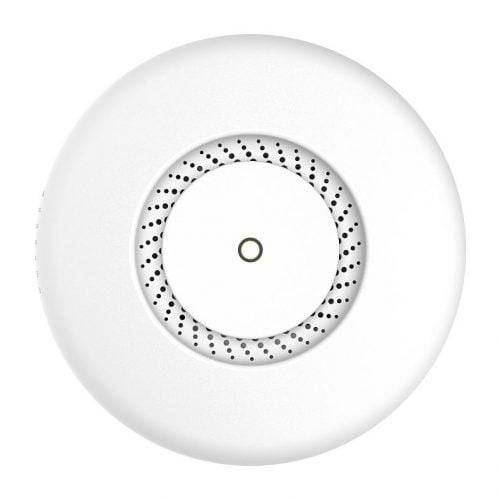
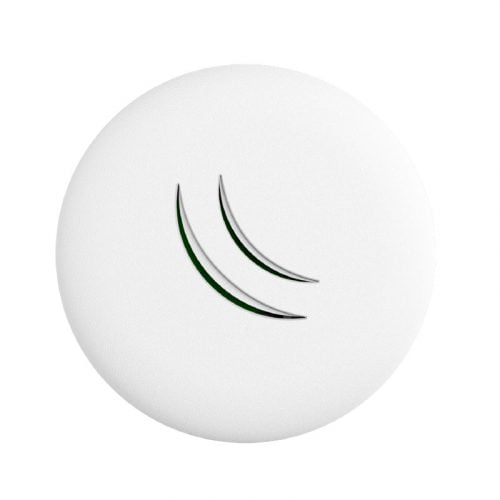
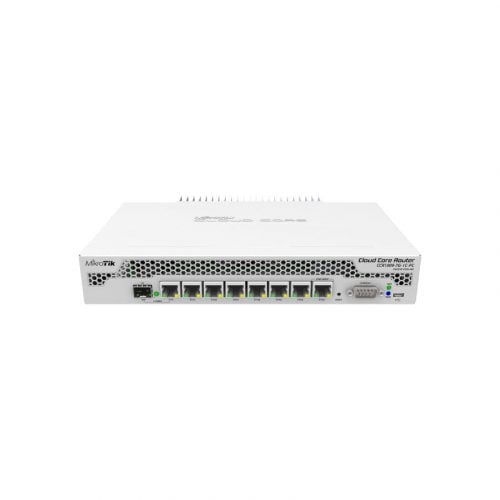
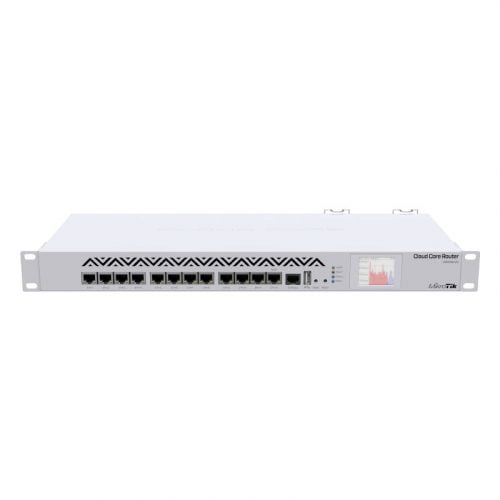
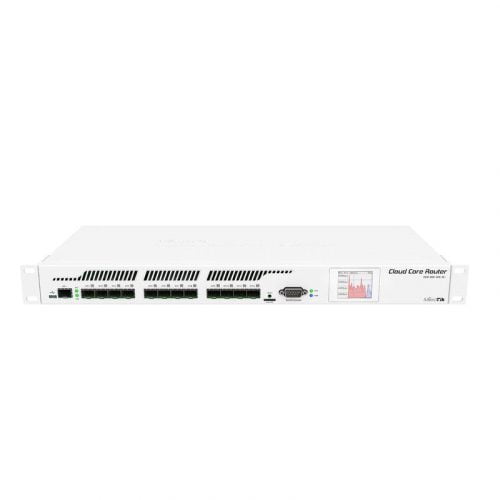
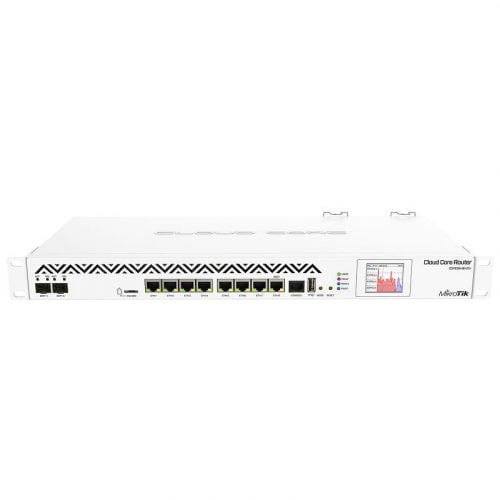
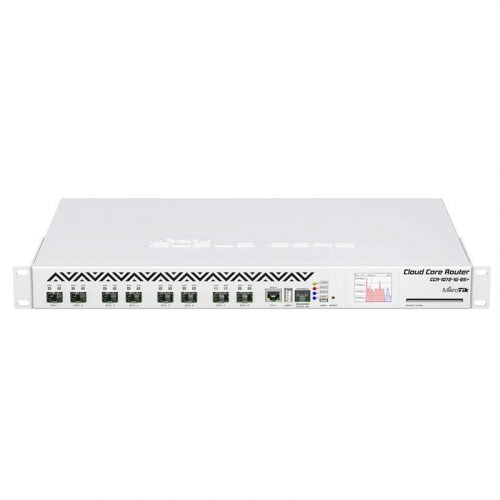
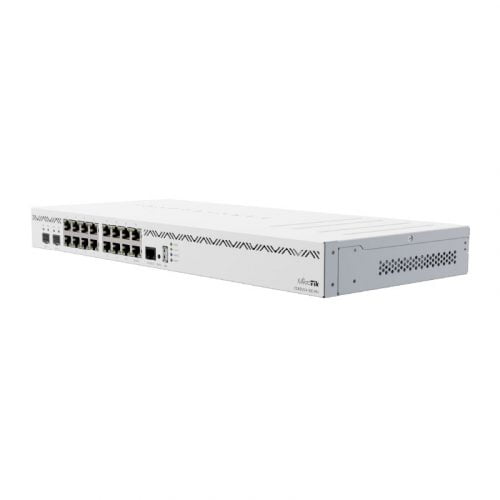
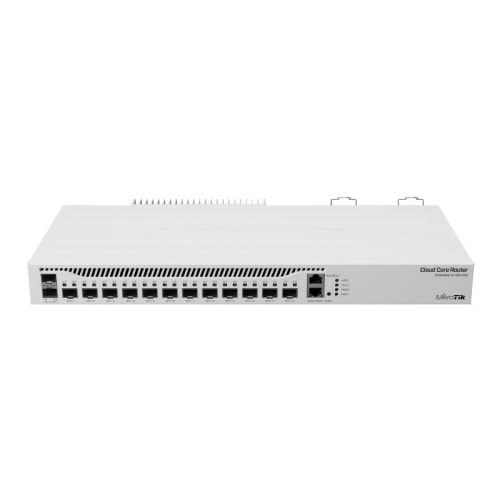

Duplicate the existing > Rename the section on the right sidebar > Set display conditions from Advance tab
Frequently Asked Questions
For Wi-Fi 6 homes/offices, hAP ax³; for wired performance labs/SMB, RB5009UG+S+IN; for budget/no-Wi-Fi setups, hEX S. Choose by WAN type, Wi-Fi need, and ports.
Yes—RouterOS supports PPPoE and VLAN tagging for ISP logins, plus IGMP Proxy/IGMP Snooping for multicast IPTV (configure per ISP values).
Hardware RouterBOARDs include a RouterOS license (no ongoing fee). Only CHR (virtual routers) use paid tiers (P1/P10/P-Unlimited). CAPsMAN AP management needs at least Level 4 on APs.
Yes—RouterOS WiFi stack supports 802.11r/k/v fast roaming on compatible devices, and CAPsMAN centrally manages multiple APs for one SSID.
Many models offer PoE-out (passive or 802.3af/at/bt depending on device). Check your model’s PoE standard and power budget before powering APs/cameras.
You can configure internet, LAN, DHCP, and Wi-Fi in a few clicks with Quick Set, and manage everything via the browser-based WebFig (WinBox alternative).
Warranty/RMA is handled through the seller/distributor—buy from authorised channels and follow MikroTik’s RMA process for repairs/replacements.